
I know—another newsletter already. Too much? See note at bottom.
In my last email, I mentioned I might build an AI video editing tool "maybe tonight, maybe tomorrow." Well, I tried. It took the whole weekend.
The complexities surprised me. My usual approach—handing well-defined tasks to AI agents—didn't work here. The agents kept drifting from my vision, missing efficiencies I could see as an engineer. I had to get hands-on with the algorithm myself.
That's actually the point: AI amplifies what you already know. Having software engineering experience meant I could course-correct when the agents couldn't see what I saw.
But enough context. Let me show you what I built.
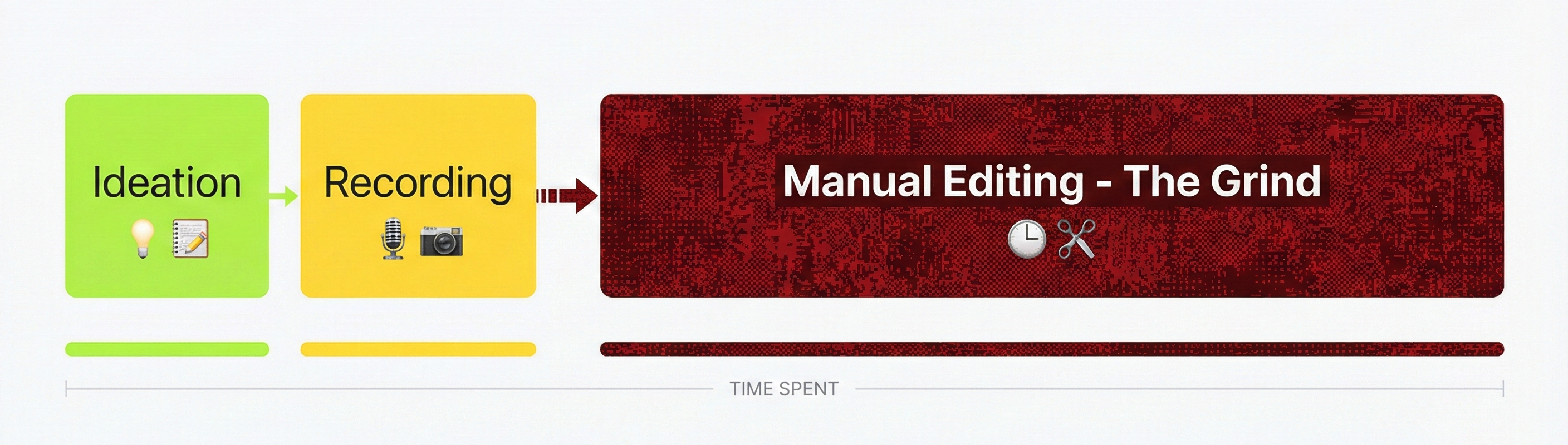
Before: The Grind
The Tool in Action
As you'll notice, I ended up with multiple themed videos from the same raw footage. The tool analyzes all my takes, finds patterns in what I actually said, and optimizes around themes that emerge naturally. That was a late addition—I woke up this morning realizing I should generate options to choose from, not just one "best" cut.
The overarching theme: using automated technology to eliminate operational friction and repetitive drudgery, optimizing productivity in both personal workflows and professional environments.
Fair warning: these are raw output from the tool—choppy in places, a few glitchy moments. That's the point. This is what it looks like before I do my final polish.
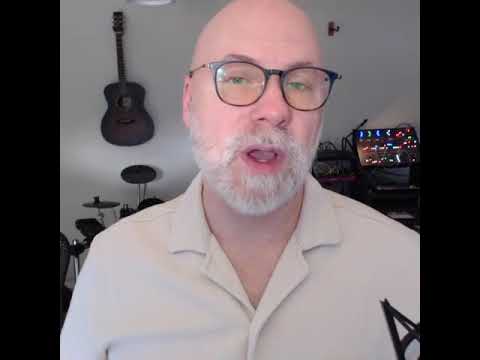
AI Video Automated Editing Building an AI-powered video assistant using local ASR to remove fillers and restructure footage into themed narratives. Click to watch |

Probabilistic vs Deterministic Systems The design balance between predictive AI models and deterministic code for reliable automation. Click to watch |
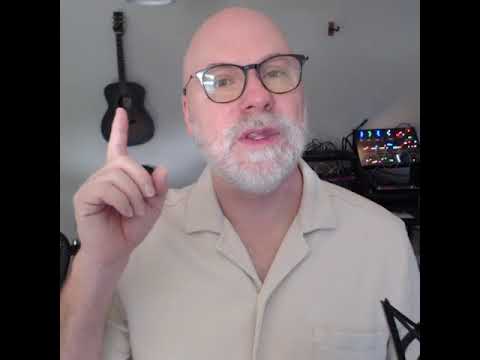
Developer Workflow Optimization Building reusable CLI tools, Unix pipes, and autonomous agents to eliminate repetitive tasks. Click to watch |
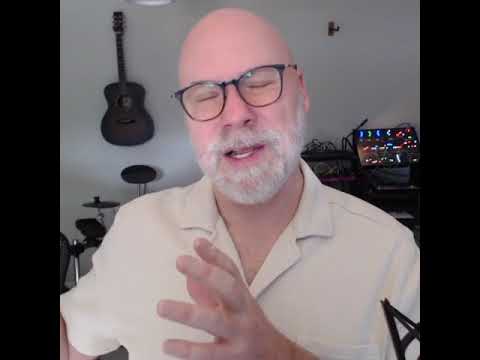
Code Plumbing Consultancy Software as "code plumbing" - fixing high-friction workflow leaks through rapid automation. Click to watch |
It also handles grammar hiccups. If I stumble over a word, the tool looks for a cleaner version from elsewhere in the footage and splices it in. I'm comfortable with that tradeoff for now. This isn't meant to produce the final polished version I'd publish—but it gets me 75% of the way there.
Here's a personal detail: I stutter slightly when I talk. I don't notice it in the moment, but it's obvious when I watch the footage back. Removing those stutters, the awkward pauses, the "ums"—that's a huge chunk of the editing grind. This tool handles it flawlessly.
I could have stopped there. But I was having fun, so I kept building.
This Is What I Do
I'm not just building tools for myself. This is exactly what I do for clients: find the rough spots in your process, then come back in a relatively short time with a custom software solution built around your unique workflow.
If your team has a repetitive grind—something that eats hours and feels like it should be automatable—let's talk. I'd love to help.
One More Thing
I typically send one newsletter a month. But I'm building a lot right now, and some of you might want to follow along more closely.
If that's you, click the button below. You'll get occasional updates when I build something interesting. If you'd rather not have the extra noise, do nothing—you'll stay on the monthly cadence and I won't bother you in between (after today!).
I'm digging it! Send me updates when things are happening.
Devin
918.software